
Key Takeaways
-
Define your security goals before shopping, since theft deterrence, safety, and dispute resolution each call for different camera placement, count, and storage choices.
-
Choose wired Ethernet with PoE for fixed indoor cameras where possible, and use Wi-Fi only where cabling is truly impractical, checking your switch's total power budget.
-
Size bandwidth and storage for peak use, including simultaneous recording, live viewing, and remote access, not just average traffic.
-
Place cameras at main entrances, cash registers, stockrooms, and hallways, mount them high enough to resist tampering, and avoid aiming at bright windows or private spaces like restrooms.
-
Secure cameras by placing them on their own VLAN, changing default passwords, keeping firmware updated, avoiding direct internet exposure, and maintaining a device inventory.
-
Write a clear video policy covering purposes, access, retention, and signage, and check local laws, especially for audio recording or biometric features.
Picture this: it’s Monday morning, and someone tells you a laptop vanished from the break room over the weekend. You pull up the camera feed, and… the video is blurry, the recorder is full, and nobody remembers the password. Ouch. We have all been there, or at least known someone who has.
Indoor business security cameras can help you avoid that kind of headache. Today’s systems are networked devices that share your office network with phones, computers, and Wi-Fi. That means a good camera plan is really a telecom and IT plan, too. The research agrees: the global IP camera market was valued at $15.2 billion in 2024, according to Grand View Research, with growth projected to $31.1 billion by 2030.
In this friendly guide, we will walk through eight practical tips for choosing, installing, and protecting indoor business security cameras in 2026. Whether you run a small shop or manage many locations, you will find something useful here.
1. Start With Why You Want Cameras
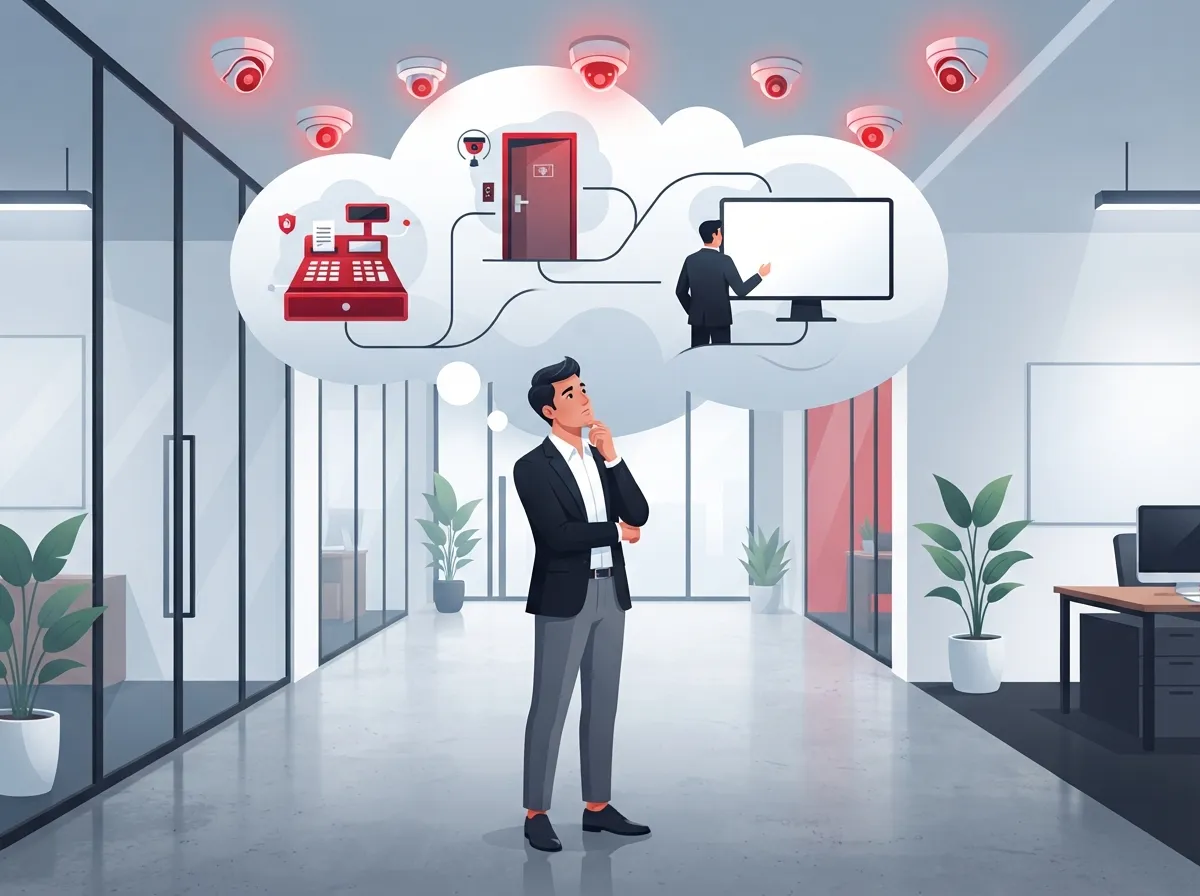
Before you shop, ask a simple question: what problem am I solving? Cameras that deter theft look different from cameras that help with safety or customer disputes.
Write down your goals first. Common reasons include:
- Protecting inventory, cash handling areas, and equipment
- Keeping an eye on entrances, hallways, and stockrooms
- Supporting staff safety and settling incident questions fairly
- Checking on a location when you are away
A clear goal makes every later choice easier, from camera count to storage time. It also helps with your video policy, which we will cover in tip seven. If you are unsure how many devices you will need, this guide on how many cameras your business needs is a handy next read.
2. Know How Indoor Business Security Cameras Work Today
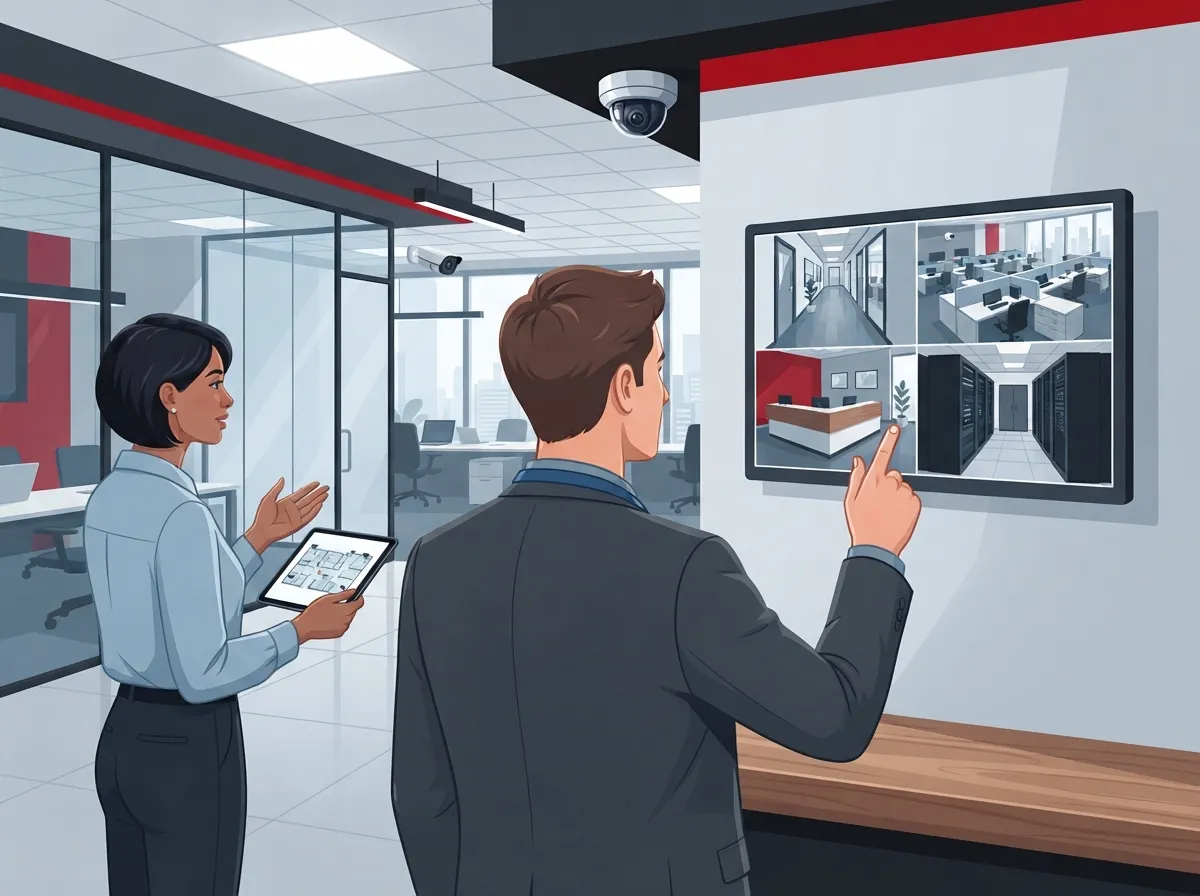
Most modern indoor business security cameras are IP cameras. They send video over an Ethernet or Wi-Fi network to a video management system (VMS), a network video recorder (NVR), or a cloud service. Compared with older analog setups, IP systems support remote viewing, central management, and easier growth across sites.
Market data shows the shift. Grand View Research reports that IP video surveillance made up 55.7% of global video-surveillance revenue in 2025. If you are weighing the old way against the new way, IP cameras vs. analog CCTV breaks down the differences nicely.
Here is a quick look at the three common ways to store and manage video:
| Option | How It Works | Best For | Watch Out For |
|---|---|---|---|
| NVR (on-site recorder) | Video saves to a box in your building | Single sites with IT staff | Hardware upkeep and local failure risk |
| VMS software | Software manages many cameras and recorders | Larger or mixed-device setups | Server sizing and licensing |
| Cloud (VSaaS) | Cameras connect to a hosted service | Multi-location businesses | Internet dependence and recurring fees |
No single choice wins every time. The right pick depends on your sites, staff, and budget. For a closer comparison, see cloud vs. on-prem camera setups.
3. Choose Wired Ethernet and PoE Where You Can
Here is a tip that saves a lot of frustration: run a cable if you can. Wired Ethernet is generally the dependable choice for fixed indoor cameras. Wi-Fi can help where cabling is truly impractical, but it depends on signal strength, interference, and how much bandwidth is free.
Power over Ethernet (PoE) makes wired cameras even easier. One Ethernet cable carries both power and data, so you do not need a separate outlet near every camera. That is a big win for ceilings and corners.
A few friendly reminders:
- Make sure your cameras and switches both support PoE.
- Check the switch’s total power budget so it can run every camera.
- Plan cable paths early, since ceilings and walls can slow things down.
Good cabling is the quiet hero of any camera system. If you are comparing cable types, take a look at Cat5e vs. Cat6 for office cabling, or read about security camera cabling for business. You can also read up on structured cabling to see why a tidy, standards-based approach pays off. And if you are still deciding between the two approaches, wired vs. wireless business cameras covers the tradeoffs.
4. Plan Your Bandwidth and Storage Honestly
Cameras love bandwidth. Four things drive how much you need: camera count, resolution, frame rate, and how busy the scene is. Compression and retention time matter, too.
A smart site assessment looks at more than average traffic. It should count the busy moments, like when you record video, someone watches live feeds, and a manager checks in remotely, all at once. Sizing only for the average is a classic mistake.
Here is a simple way to think about it:
- Count your cameras and pick a resolution that fits each spot.
- Decide how many days of video you want to keep.
- Estimate peak use, including live viewing and remote access.
- Make sure your network and internet connection can handle it with room to spare.
Higher resolution is not always better. A 4K camera in a tiny supply closet may be overkill, while a lobby may deserve the extra detail. Our post on 4K vs. 1080p cameras can help you match detail to need. For storage planning, see security camera storage solutions, and for internet planning, check internet speeds your cloud cameras actually need.
5. Place Cameras Where They Count
Great placement beats a pile of random cameras. Think about where people enter, where valuables live, and where blind spots hide.
Good indoor spots often include:
- Main entrances and exits
- Reception and waiting areas
- Cash registers and service counters
- Stockrooms, server closets, and supply rooms
- Hallways and stairwells that connect key areas
Mount cameras high enough to avoid tampering, but low enough to catch faces. Avoid aiming at bright windows, which can wash out the image. Also, keep cameras out of private spaces like restrooms and changing areas. Your goal is security, not surveillance of personal moments.
Wondering how this plays out for different businesses? Our guides on how many security cameras your store needs and indoor and outdoor camera mistakes to avoid offer more ideas.
6. Lock Down Cybersecurity From Day One
A camera on your network is also a computer on your network. That means it needs protecting. ONVIF, the industry group behind common camera standards, recommends several steps for IP-based security products. These are worth following.
Here are the key habits:
- Keep an inventory of every camera and device.
- Put cameras on their own VLAN so they are separate from other business traffic.
- Use firewalls and encrypted connections where possible.
- Avoid exposing cameras directly to the internet.
- Change default usernames and passwords right away.
- Give each person only the access they need.
- Keep firmware updated and back up your settings.
None of this is scary once it is set up. It simply keeps strangers from peeking at your feeds. If your team is not sure where to begin, a managed approach helps. Read whether cloud video security is actually safe and how to keep cloud security footage safe for more. For a deeper look at the network side, our article on choosing a data security service is a great companion.
7. Write a Fair, Lawful Video Policy
Cameras bring responsibility. A clear policy keeps you on the right side of the law and builds trust with your team and visitors.
A good video policy covers:
- The security purposes the cameras serve
- Where cameras may and may not be placed
- Who can view footage, and when
- How long you keep video and how you delete it
- Signs that tell people video is being recorded
Rules vary by location, so check your employment, privacy, and data-protection laws. Audio recording and biometric features, like face matching, can raise extra legal questions, so treat them with care and get advice before turning them on. This is general information, not legal advice, so talk with a qualified professional about your situation.
For helpful background, see camera compliance rules every business must know, camera installation mistakes that break compliance, and how long security footage stays recorded.
8. Check Standards, Support, and the Long Game
Last, think about how your cameras will play with other gear and who will help when something goes wrong.
Look for devices that support ONVIF, a standard that helps cameras and software from different makers work together. Be a little careful here: ONVIF defines profiles, and each profile covers a specific set of features. A “standards-friendly” label does not promise that every feature works across every brand, so confirm the exact profile and functions you need before you buy.
Also ask about:
- Installation, testing, and ongoing support
- Warranty length and firmware update policy
- Export options, so you can pull footage when needed
- Service-level commitments and outage behavior for cloud tools
- Total cost, including recurring subscription fees
This is where an experienced telecom and IT partner shines. Ideal Solutions Provider, a Tampa-based partner with over 24 years of experience, can handle cabling, networking, internet, and cloud video security under one roof. That single point of contact can save you from juggling several vendors. You can learn more about their cloud video security and structured cabling services directly.
Why Camera Planning Belongs With Your Telecom Plan
Here is the big idea behind all eight tips: indoor business security cameras are not a standalone gadget. They share your network, your internet connection, and your cabling. When these pieces are designed together, everything runs smoother.
Think of it like a busy kitchen. If the phones, computers, and cameras all fight over one narrow doorway, someone gets stuck. A smart plan gives each one its own lane, so phone calls stay clear and video stays sharp.
Many businesses find it helpful to review the whole picture at once. If your CCTV installation needs network planning first, a combined review of cabling, switches, and internet service can prevent costly rework. You may also like why cloud-based security systems fail without fast internet.
For multi-location owners and franchise operators, consistency matters. Using the same camera standards, naming, and policies across every site makes life easier. Our guide to multi-location cloud surveillance shows how to keep things tidy as you grow.
A Quick Pre-Purchase Checklist
Before you sign anything, run through this short list:
- Define your goals and the areas you want covered.
- Choose wired PoE where possible, and Wi-Fi only where needed.
- Size your bandwidth and storage for peak use, not just average use.
- Place cameras at entrances, counters, and high-value rooms.
- Secure the network with a VLAN, strong passwords, and updates.
- Write a clear video policy and check local laws.
- Confirm standards support, warranty, and total cost.
- Pick a partner who will support you after installation.
Keep this list handy, and you will avoid most of the common pitfalls. If you want to see what a smooth rollout looks like, read how business security camera installation should work and how long camera installation takes.
Ready to Protect Your Space?
Choosing indoor business security cameras does not have to feel overwhelming. Start with your goals, plan the network, protect your data, and keep your policy fair and clear. Do these things, and you will have a system that quietly does its job every day.
Want a hand? Contact us for a free consultation, or call us to talk through your setup. The Ideal Solutions Provider team will review what you have, compare options from trusted suppliers, and help you build a camera plan that fits your business. You can also follow along for tips on YouTube.
FAQs
Q: What are the best indoor security cameras for a small business?
A: The best choice is usually a wired PoE IP camera that fits your goals, with enough resolution for the space and ONVIF support if you want flexibility. Match the camera to the spot, like a wide lens for a lobby and a close view for a register. A telecom partner can help you pick a system that works with your existing network.
Q: Do indoor business cameras need Wi-Fi, or should they use Ethernet?
A: Ethernet is generally the more dependable choice for fixed cameras, and PoE lets one cable carry both power and data. Wi-Fi can help where running a cable is not practical, but it depends on signal strength, interference, and available bandwidth. Many businesses use wired cameras for most spots and Wi-Fi only where they must.
Q: How can I keep my IP cameras from getting hacked?
A: Change default passwords, put cameras on their own VLAN, and use firewalls and encrypted connections where possible. Avoid exposing cameras directly to the internet, limit who can log in, and keep firmware updated. Keeping an inventory of every device helps you spot anything that does not belong.
Q: What is the difference between an NVR, a VMS, and cloud video surveillance?
A: An NVR is an on-site box that records video from your cameras. A VMS is software that manages many cameras and recorders, often across larger setups. Cloud video surveillance, sometimes called VSaaS, uses a hosted service that reduces on-site hardware but depends on your internet connection and often adds recurring costs.
Q: Is it legal to record employees and customers inside my business?
A: Often yes, for clear security purposes, but the rules vary by location and depend on where cameras are placed. Audio recording and biometric features can raise extra legal concerns, and cameras should stay out of private areas like restrooms. Write a clear video policy, post notices, and check with a qualified legal professional about your situation.





