
Key Takeaways
-
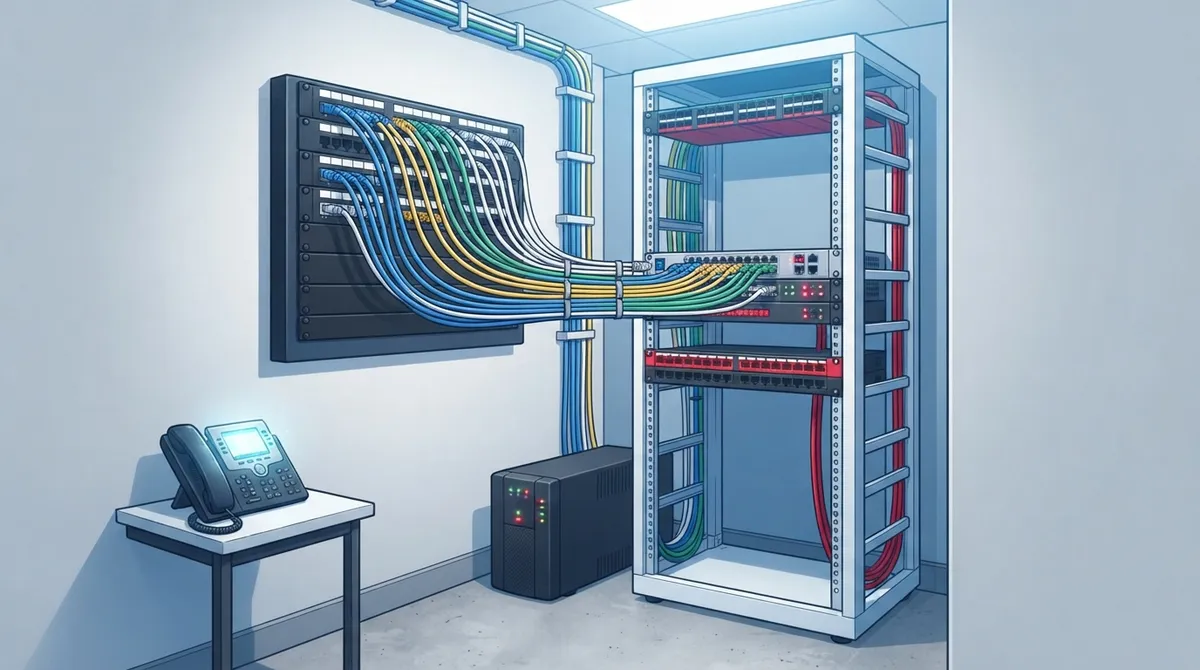
Most VoIP phone problems trace back to the cabling behind the wall, not the phone system itself, so plan the cable infrastructure before installing phones.
-
Choose Cat6 or Cat6A for new installs, and test existing Cat5e first; it may still support your phones if it passes testing.
-
Verify both the phone's PoE power requirement and your switch's total PoE budget, since a 24-port switch may not power 24 power-hungry phones.
-
Keep every copper Ethernet run within the 100-meter channel limit (90 m permanent plus 10 m patch cords), and use a closer switch or fiber for farther phones.
-
Protect phones during outages by adding a UPS for the switch and router, and make sure internet failover is in place, since phones depend on both.
Picture this: your team just switched to a shiny new VoIP phone system. The features are great. Then calls start to sound choppy, a few phones will not turn on, and nobody can figure out which wall jack goes where. Sound familiar? Most of the time, the problem is not the phone system at all. It is the cable behind the wall.
VoIP phone cabling is the Ethernet wiring that connects each IP phone to your office network. In many offices, it can also carry power to the phone. Get it right, and your phones run quietly in the background for years. Get it wrong, and you will chase strange problems every week.
This friendly guide walks you through the whole process in plain English. You will learn which cable to pick, how power works, how far a cable can run, and how to plan for outages. Whether you run a small shop, manage an office, or oversee IT for several sites, you will leave with a clear plan for 2026.
What Is VoIP Phone Cabling?
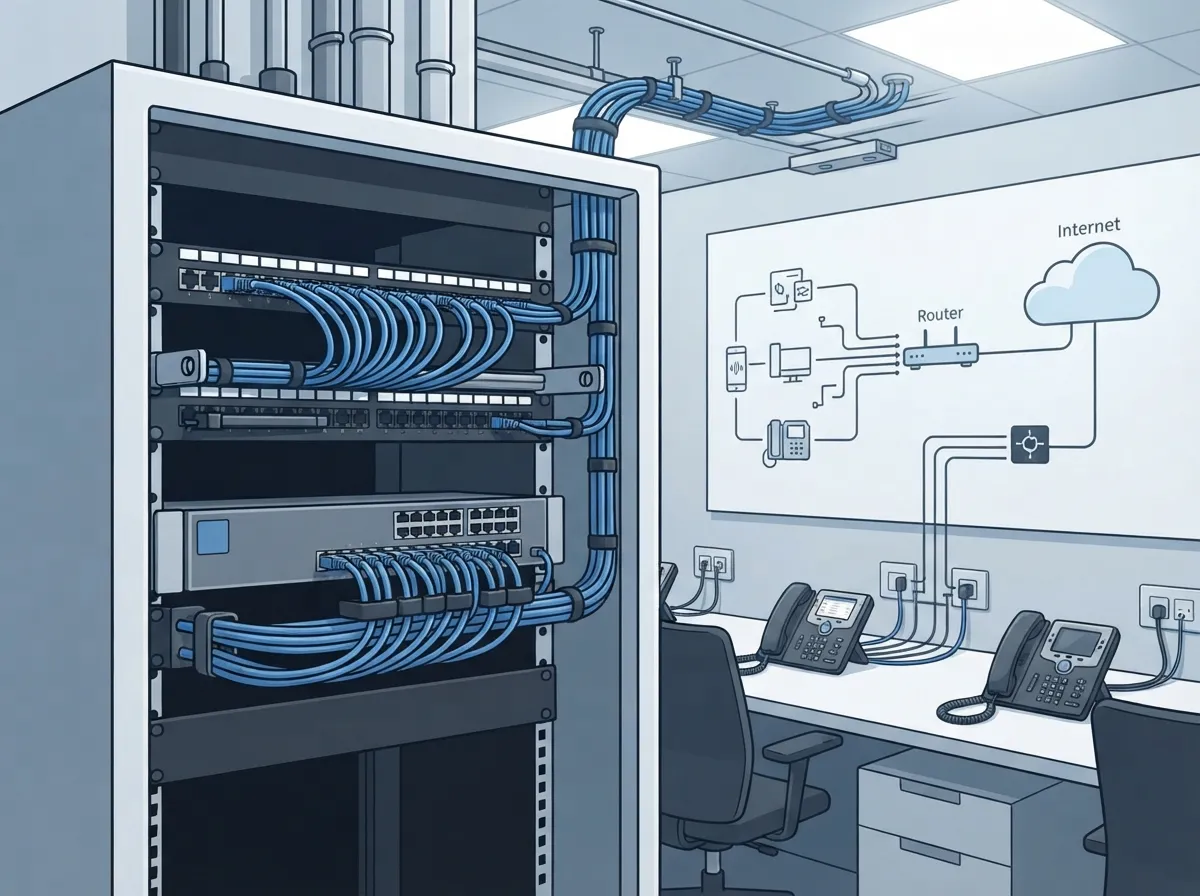
Here is the good news: VoIP phones do not need special phone wire. They are IP devices, which means they plug into your regular business network with an Ethernet cable. The same type of cable that connects a computer can connect a phone.
A well-built setup uses structured cabling. That is an organized system where cable runs from each desk to a central telecommunications room. There, the cables end at a patch panel and connect to a network switch. One cabling system can carry both voice and data. Your network settings, such as VLANs and quality-of-service rules, then keep voice calls clear and give them priority.
If you want a deeper look at the basics, our guide on what structured cabling is for your business network is a great place to start.
Step 1: Count Your Phones and Map Your Space
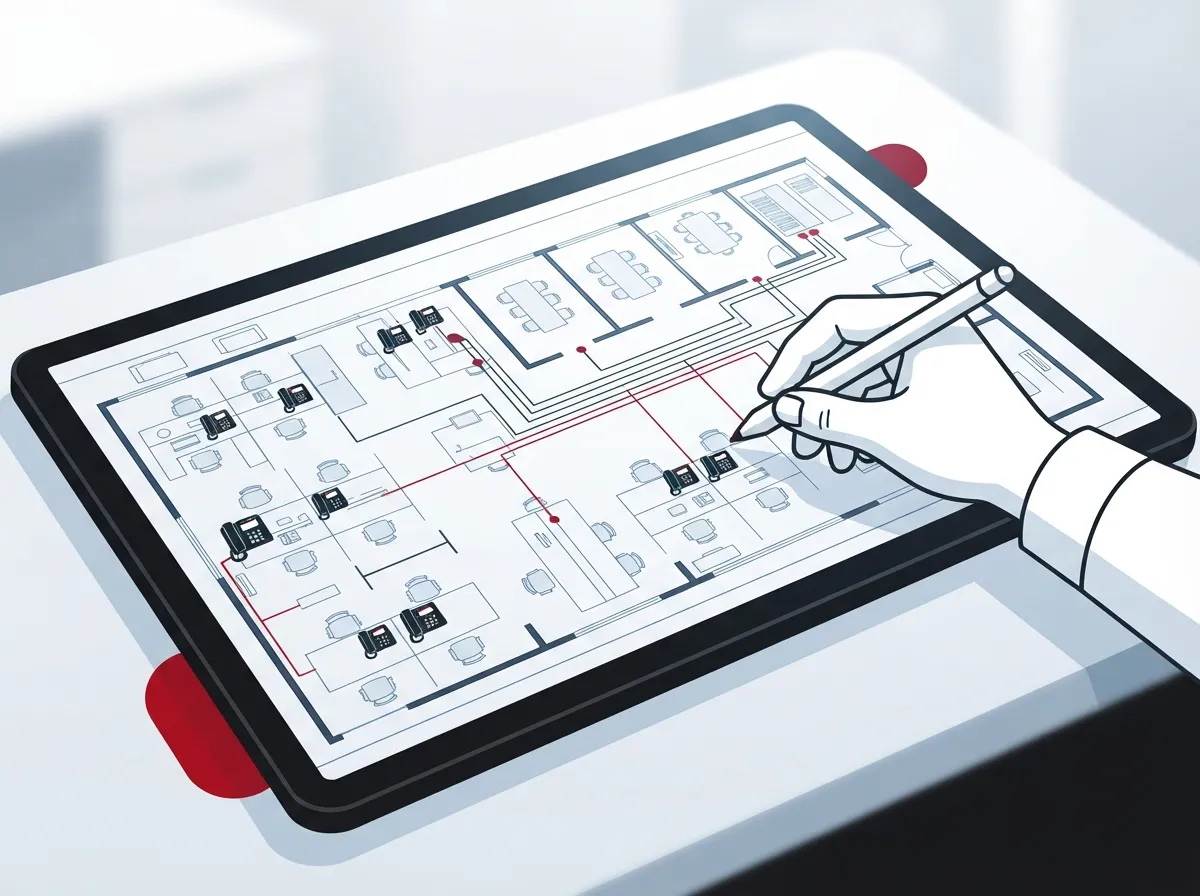
Every good cabling plan starts with a simple walk-through. Grab a floor plan and a notepad, and think about how your team really works.
- Count every endpoint. List desk phones, lobby phones, conference room phones, and break room phones.
- Plan for growth. If you have 20 people today, plan for 25 or 30. Adding a few extra drops now costs far less than opening walls later.
- Note special spots. Wall-mounted phones, reception desks, and warehouse areas may need different cable routes.
- Find your network room. Pick the closet or room where your switch and patch panel will live.
- Measure the longest run. Estimate the cable path from the farthest phone to that room. Remember that cable follows walls and ceilings, not straight lines.
For multi-story buildings, our article on planning multi-floor office cabling can help you avoid surprises.
Step 2: Choose the Right Cable Type
Now for the big question: which cable should you use? For new commercial installs, Cat6 or Cat6A is commonly considered. Cat5e may support many existing phone setups, so you do not always have to rip it out. The right pick depends on your wider network plan, your power needs, your distances, and your building, not just the phone itself.
| Cable Type | Best For | Things to Know |
|---|---|---|
| Cat5e | Existing phone deployments with modest needs | May work well today, but offers less room for future growth |
| Cat6 | Most new office installs | A solid, common choice for voice, data, and PoE |
| Cat6A | Higher-demand or future-focused builds | Often bulkier and costs more, but gives extra headroom |
Still weighing your options? Our comparison of Cat5e vs. Cat6 office cabling and our guide on choosing between Cat6 and Cat6A break it down further.
One more tip: think beyond phones. Your cable choice should also support computers, Wi-Fi access points, and cameras. Choosing for the whole network saves money later.
Step 3: Understand Power Over Ethernet (PoE)
Here is one of the best parts of VoIP phone cabling. A single Ethernet run can carry both network data and power. This is called Power over Ethernet, or PoE. It works when your phone and your switch (or a small power injector) both support standards-based PoE.
Why does this matter? You skip the power adapter and the extra outlet at every desk. Fewer cords means a tidier workspace and fewer things that can go wrong.
But PoE has limits, so you need to match your gear. Here are the common standards:
| PoE Standard | Power From Switch (PSE) | Power to Device (PD) |
|---|---|---|
| IEEE 802.3af (Type 1) | Up to 15.4 W | Up to 12.95 W |
| IEEE 802.3at (Type 2, PoE+) | Up to 30 W | Up to 25.5 W |
| IEEE 802.3bt (Type 3) | Up to 60 W | Up to 51 W |
| IEEE 802.3bt (Type 4) | Up to 90 W | About 71.3 W |
Many basic desk phones need only modest power. Phones with color screens, video, or extra modules may need more. Always check the phone’s power requirement. Then check your switch’s total PoE budget, which is the full amount of power it can share across all ports at once. A switch with 24 ports does not always have enough power for 24 hungry devices.
Step 4: Respect the 100-Meter Rule
Copper Ethernet cable has a distance limit. The commonly cited maximum for a twisted-pair Ethernet channel is 100 meters, or 328 feet. In a structured system, that usually means up to 90 meters of permanent cable inside the walls, plus up to 10 meters of patch cords at both ends.
What if a phone sits farther away? Do not just stretch the copper. Longer links need a smarter network design, such as adding a small closet with a switch closer to that area or using fiber for the long stretch. Our article on cabling distance limits explains your options in simple terms.
Step 5: Plan the Drops at Each Desk
How many Ethernet drops does each desk need? There is no one-size-fits-all answer, but a few simple guidelines help.
- One drop is the bare minimum. Many VoIP phones have a pass-through port, so a computer can plug into the back of the phone and share the desk connection. This depends on the phone’s features and your network design.
- Two drops are safer. Giving each desk two lines lets the phone and computer connect separately. This can simplify troubleshooting.
- Add extras where it counts. Reception, conference rooms, and shared workspaces often need more.
Open layouts and growing teams are where extra drops really pay off. If that sounds like your office, take a peek at our planning guide for open office cabling.
Step 6: Follow Good Installation Practices
Even the best cable fails if it is installed poorly. Quality workmanship is a big reason some networks run for a decade without a hiccup. Here is what good installers do:
- Use compatible, standards-compliant cable, jacks, and connectors.
- Avoid sharp bends, heavy pulling, and crushing the cable under staples or heavy objects.
- Keep data cable properly separated from electrical wiring and other sources of interference.
- Be careful with big, tightly packed bundles when using PoE, since higher power and dense bundles can create extra heat.
- Label every cable at both ends, so nobody has to guess later.
- Test every run and keep the results on file.
Labels and test reports may sound boring, but they save hours when something breaks. See our tips on network cable labeling and Ethernet cable testing for the details.
Step 7: Terminate and Organize the Network Room
Every cable run ends in your telecommunications room. This is where cables are terminated on a patch panel. Short patch cords then connect each panel port to a switch port. A tidy rack makes it easy to move phones, add users, and find problems fast.
A neat setup also helps with airflow and heat. If you are building or cleaning up a rack, our guides on patch panel termination and network rack installation will point you in the right direction.
Step 8: Plan for Power Outages and Emergencies
This step is easy to forget, so let us give it a spotlight. PoE phones depend on the switch, and the switch depends on its power source. If the building loses power and nothing backs up that switch, your phones may go quiet too.
Here is a simple resilience checklist:
- Add a UPS. An uninterruptible power supply can keep your switch, router, and key gear running for a while during an outage.
- Check switch capacity. Make sure the switch and its backup can handle the full PoE load.
- Think about internet backup. Phones also need your internet connection, so a failover option helps. See our tips on automatic internet failover.
- Review emergency calling. Talk with your telecom provider about 911 requirements and any building or local rules that apply to your site.
So, will VoIP phones work during a power outage? They can, if the right gear has backup power and your internet stays up. Planning ahead is what makes that possible.
Step 9: Test Your Network for Voice
Good cable is only half the story. Your network also needs to treat voice traffic well. That usually means setting up a separate voice VLAN and quality-of-service rules, so calls stay clear even when someone downloads a big file.
Before you go live, run through a short checklist:
- Confirm every cable run passed testing and is labeled.
- Check that each phone powers on and gets its settings.
- Make test calls from several rooms, including the farthest ones.
- Test calls while the network is busy to confirm quality holds up.
- Confirm your internet speed fits your call volume. Our guide on what internet speed is needed for VoIP can help you size it.
If your system uses a cloud provider, the phone service side matters too. Learn more about how VoIP implementation works from start to finish.
Common VoIP Cabling Mistakes to Avoid
After years in this industry, a few mistakes show up again and again. Here is what to watch for:
- Skipping the plan. Wiring one phone at a time leads to a messy, hard-to-fix network.
- Ignoring PoE budgets. Buying a switch that cannot power all your phones causes random failures.
- Mixing poor-quality parts. Cheap connectors and unrated cable can cause drops and noise.
- Running cable too far. Pushing past the distance limit leads to weak signals.
- Forgetting labels and tests. This turns small issues into long outages.
- No backup power. One outage can take every phone offline.
For a deeper list, check out our article on structured cabling mistakes that hurt your business.
Should You Upgrade Existing Cabling or Start Fresh?
Many offices already have cable in the walls. Before you tear it out, take a careful look. Existing Cat5e that tests well may support your phones just fine. But old, damaged, or poorly labeled cable can cause trouble, and cable that cannot handle your future plans may be worth replacing.
A cabling audit gives you honest answers. It checks the age, type, condition, and layout of what you have. Our walkthrough on how to run a cabling audit shows you what to look for. And if you are unsure when it is time to upgrade, read 8 signs and smart steps for upgrading office cabling.
How Different Businesses Can Use This Guide
Every business has its own needs, so here is how to apply these steps to your situation:
- Small business owners: Keep it simple. Choose Cat6, add a couple of spare drops, and buy a PoE switch with enough budget. One clean install beats several patchwork fixes.
- Office managers: Focus on labeling, testing records, and backup power. These make daily life easier and reduce those urgent “the phones are down” calls.
- IT managers: Pay close attention to PoE budgets, VLAN design, patch panel layout, and documentation. Good records make future changes quick.
- Mid-sized companies: Plan for growth and multiple floors, and consider fiber for long backbone runs.
- Franchise operators: Use a repeatable cabling standard across every location. Matching layouts, labels, and parts make support and rollouts much simpler.
Why Work With a Single Telecom Partner
Phone systems, internet, and cabling all depend on each other. When different vendors handle each piece, finger-pointing often follows when something fails. Working with one trusted partner keeps everyone on the same page.
Ideal Solutions Provider is a Tampa-based telecom and IT partner with over 24 years of experience. The team handles structured cabling services, cloud-based phone systems, and business network solutions, and works with 35+ vetted suppliers. That means one point of contact from the first walk-through to ongoing support. To see why this approach helps, read why Tampa Bay businesses need one telecom partner.
You can also see our work and get tips on YouTube, or follow along on Facebook and Instagram.
Your Quick VoIP Cabling Checklist
Before you call an installer or start a project, run through this short list:
- Count your phones and plan for growth.
- Pick Cat6 or Cat6A for new work, and test any existing Cat5e.
- Match your phones to the right PoE standard and check the switch power budget.
- Keep every run within the 100-meter channel limit.
- Choose the right number of drops per desk.
- Insist on quality installation, labels, and test results.
- Add UPS backup and review emergency calling needs.
- Test voice quality before you go live.
Ready to Get Your VoIP Phone Cabling Right?
Good VoIP phone cabling is not flashy, but it is the foundation of every clear call your team makes. With a little planning, the right cable, enough PoE power, and solid backup, your phones can run smoothly for years.
You do not have to figure it out alone. If you would like a friendly expert to review your space, audit your current wiring, or plan a new install, contact us for a free consultation. Prefer to talk it through? Call us and we will happily point you in the right direction.
FAQs
Q: What type of Ethernet cable is best for VoIP phones in an office?
A: For new commercial installs, Cat6 or Cat6A is commonly considered a smart choice. Existing Cat5e may still support many phone setups if it tests well. The best pick depends on your whole network plan, PoE load, distance, and building.
Q: Do VoIP phones need a separate power outlet, or can they use PoE?
A: Many VoIP phones can get power right through the Ethernet cable using Power over Ethernet. This works when both the phone and your switch or injector support standards-based PoE. Just check the phone’s power need and your switch’s total PoE budget first.
Q: How far can an Ethernet cable run to a VoIP phone?
A: The commonly cited limit for copper Ethernet is 100 meters, or 328 feet. That usually means up to 90 meters of cable in the walls plus up to 10 meters of patch cords. If a phone sits farther away, your network needs a smarter design instead of a longer copper run.
Q: Can a VoIP phone share the same Ethernet cable as a computer?
A: Often, yes! Many VoIP phones have a pass-through port that lets a computer plug into the phone and share one desk connection. This depends on the phone’s features and your network design. Some offices still choose two drops per desk to keep things simple.
Q: Will VoIP phones work during a power outage?
A: They can, but only if the right equipment has backup power. PoE phones rely on the network switch, and your internet connection must stay up too. A UPS for your switch and router, plus an internet backup plan, helps keep calls going.





